01Vehicle intake
First, understand the vehicle.
Review make, model, year, trim and installation conditions. Confirm device fitment and bring vehicle information into the workflow.
Vehicle review / Installation / RegistrationConnect vehicle intake, phone keys and return checks. Let your team focus on the customer, with vehicle data to support the operation.

Design the connection around the operation, rather than the operation around a device.
Review make, model, year, trim and installation conditions. Confirm device fitment and bring vehicle information into the workflow.
Vehicle review / Installation / RegistrationConfigure phone keys, remote authorization or supported controls around confirmed device capabilities to reduce physical key handovers.
Permissions / Phone keys / Handover checksCombine location, trips, vehicle status and project-specific alerts to help your team identify exceptions and respond to events.
Location / Vehicle status / Exception responseUse available vehicle data, trips and event records to support return checks and operational review.
Status checks / Trip records / Event reviewDevice capabilities and combinations depend on the vehicle, configuration and project validation.
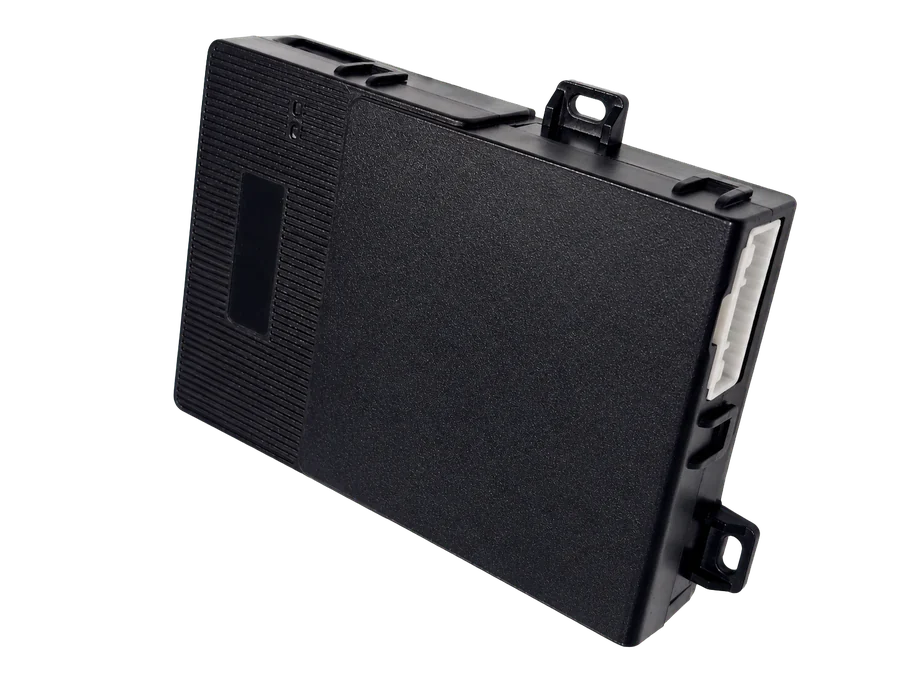
Custom vehicle-status and remote-control terminal for rental fleets
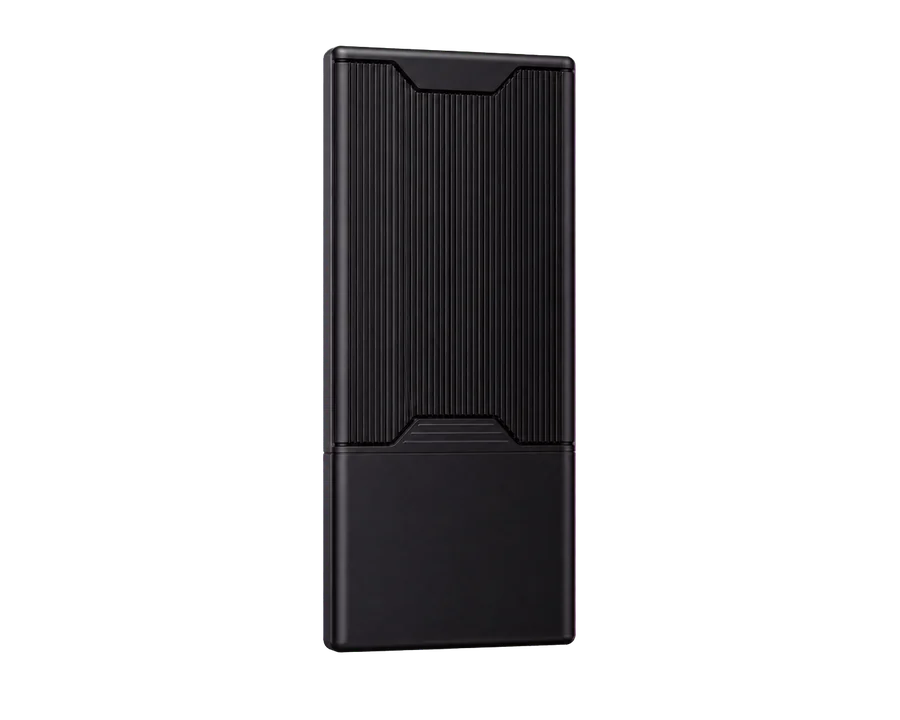
Bluetooth phone key and remote authorization device for vehicle rental
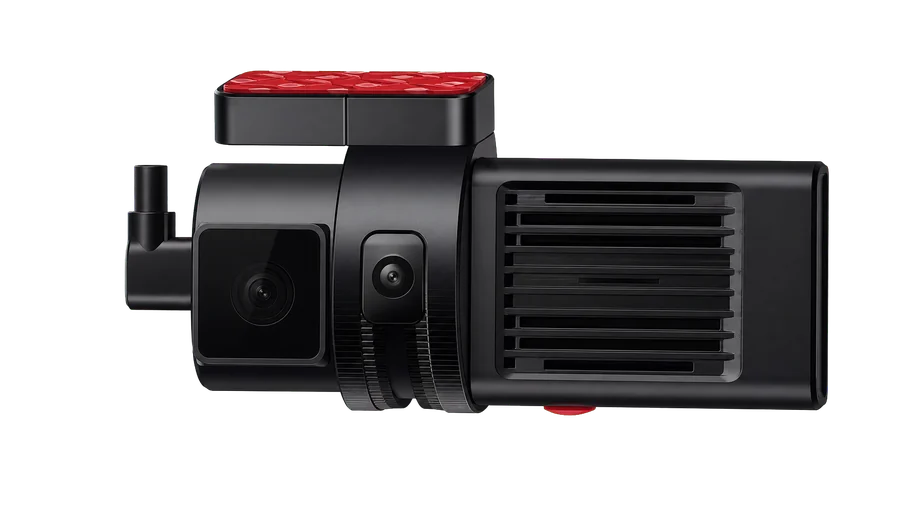
Dual-channel 4G dashcam for light rental vehicles
Capabilities depend on vehicle make, model, year, trim and confirmed project fitment. Vehicle controls are for authorized operators under safe conditions.